Tuesday, 19 November 2013

alessandro andreuccetti

alessandro andreuccetti has a brilliant web portfolio on his deviantart account, andreuccettiart.deviantart.com.

He also has a lot of reportage sketches on there from his sketchbook, in a few different mediums and styles.

credit to andreuccettiart.deviantart.com
This is ony of my favourite reportage sketches from his gallery. I really like illusion of depth and perspective and the colours and textures he has used in it. The way he has done a relatively simple paint wash background has helped influence my own sketchbook reportage as I've taken to experimenting with different brusho and watercolour techniques to produce a similar effect. I think this style really adds something to an otherwise plain line drawing, and helps add depth of field and a way for my to control the focal point of the piece.

image credit to andreuccettiart.deviantart.com
He also has some reportage sketches of people within a gallery.

image credit to andreuccettiart.deviantart.com
He uses watercolour paints to add colour and life to these sketches, and he sketches everything from landscapes to buildings and people.

image credit to andreuccettiart.deviantart.com

image credit to andreuccettiart.deviantart.com

image credit to andreuccettiart.deviantart.com
As you can see he has a very good grasp of perspective and the colours he uses to paint these sketches give them a lot of character.

image credit to andreuccettiart.deviantart.com

image credit to andreuccettiart.deviantart.com

His other works are also exceptional. His colour studies are absolutely fantastic! I love the vibrance of his images, especially the tree and forest studies.

image credit to andreuccettiart.deviantart.com
 In different mediums he has also done studies and sketches of horses, some in acrylics and some in ink, pen and watercolour combined.

image credit to andreuccettiart.deviantart.com

image credit to andreuccettiart.deviantart.com

 
image credit to andreuccettiart.deviantart.com

 
image credit to andreuccettiart.deviantart.com


RESEARCH ONLY- ALL ART CREDITS TO andreuccettiart.deviantart.com


Feverpaint

Feverpaint is an artist who works in digital mediums, using a Wacom Intuos tablet and Photoshop CS5.

image credit to feverpaint.deviantart.com - an example of a good greyscale base coloured multiple times.
credit to feverpaint.deviantart.com

Feverpaint works in a number of different styles- they are proficient in creating near-photorealistic digital paintings also and their use of light and tone is excellent. They also do some great pieces that use cell shading.

credit to feverpaint.deviantart.com - an example of cell shading

credit to feverpaint.deviantart.com

Another thing I like about their work is the movement and momentum within it. As their subjects are usually horses being ridden in certain disciplines like dressage and show jumping, they are often drawn in high-impulsion poses with loads of life in them.

credit to feverpaint.deviantart.com

However they also paint portrait style pieces that are hyper realistic too.

credit to feverpaint.deviantart.com

credit to feverpaint.deviantart.com

One day I would like to develop my digital painting skills to this level. There are other similarities in our work like the fact that we both draw our horses in usually quite dynamic poses with lots of energy and movement. However I also like that her more static images contain a lot of character and this is something I would like to develop in my own work.


RESEARCH ONLY- ALL ART CREDIT TO FEVERPAINT.DEVIANTART.COM

Monday, 18 November 2013

Colouring greyscale bases in photoshop


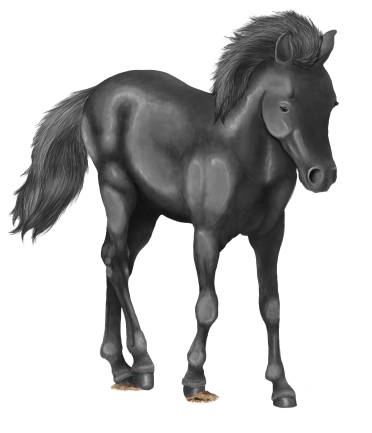
a finished greyscale base
 This is a finished greyscale base I created. I spent quite a while on this, making sure the contrasts were good and that it was detailed properly.

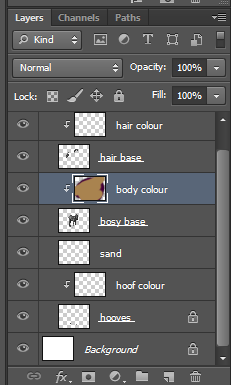
To start colouring it I first make a new layer with a clipping mask for each part of the base- so for the body, hooves and hair. All you need to do to make a clipping mask is check the box for it when the New Layer window pops up.


my layer palette with all the clipping masks added
 As you can see in the layer preview window, I've scribbled all over the body colour layer. Because I have a clipping mask added to the previous layer it means that everything on the colour layer will be confined to the space of the base layer.

the result of the clipping mask

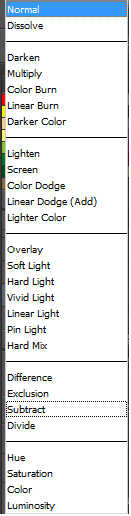
Then to actually use the base properly I change the Layer Style of the coloured layer to 'Soft Light'. There are many other styles to be chosen from however I think 'SL' gives the best balance between tone and colour.

all the layer styles in photoshop
'Soft Light' layer style VS 'Overlay'.
Above is a comparison of two layer styles, 'Soft Light' (which I use) and 'Overlay'. Personally I think the overlay setting makes the colour too saturated- especially when working with brighter colours, and if it looks a little underexposed like the one on the left you can always use the Curves tool to edit the contrast and lightness of the base.

a bay and black tobiano coloured horse
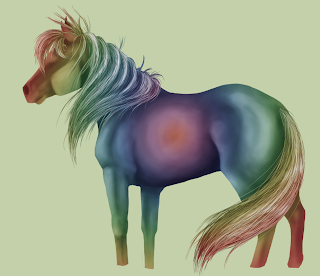
a liver chestnut leopard horse and a RAINBOW PONY :D
With more complex greyscale bases you can build up layers and layers of different colours, however I can work with one layer just fine.

Making greyscale bases in photoshop


An easy way to reproduce the same image in many different colours and patterns is using greyscale bases combined with clipping masks and layer styles over the top.


Above is an example of some tags I've worked on previously using greyscale bases.
As you can see it's easy to make multiple copies with completely different colour values like blue and yellow to more natural colours and variations.

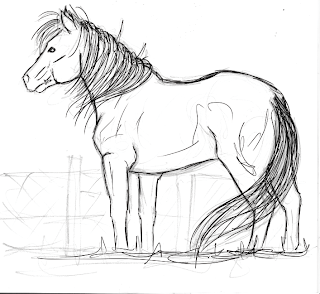
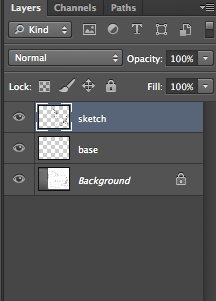
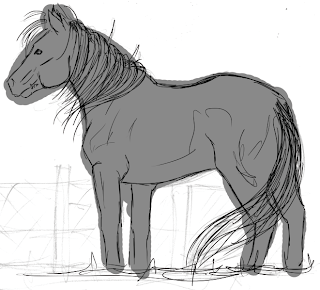
To do this I first scan in a sketch or draw directly within Photoshop. Then I use a small hard brush with 100% opacity and flow with the pen pressure turned on to make a lineart of the sketch (making sure it's on a new, transparent layer).
original sketch


lineart

view of layers palette

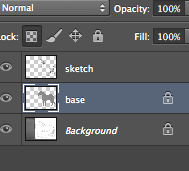
After that I colour the base with a 50% grey colour and clean up the edges with a small eraser. Then I lock the layer so when I add tone it doesn't splash outside the clean edges.
rough base

cleaned up

the locked layer

When I've locked the layer and cleaned up the base I then start adding tone by using a medium hard brush with approximately 15% opacity and 20% flow. This allows me to build up the tonal values smoothly.

brush settings
 When I start to add tone I hide the lineart layer so that I can make a more realistic looking painting, however when I hide the lineart you can see the base has jagged edges which again I must clean up.
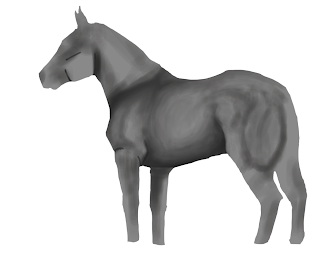
hidden lineart, jagged edges. very rough tone added

From there on out I just keep building up the tone. After a while I also add a clipping mask with a rainbow gradient to check that the tone isn't getting too dark or too light in places. I also start painting the hair at this time. For the hair I use a harder brush with the pen pressure on to first sketch out the general flow and direction of it. Then I use a darker shade of grey to add details, and I use the hue and saturation tool to change the darkness of it until it's at the right point. After completing the hair I use the dodge and burn tool to add shadows and highlights.
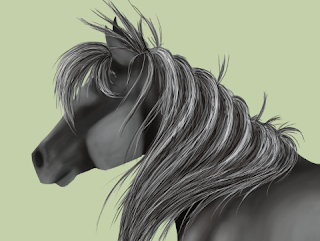

close up of hair
the rainbow gradient to check tonal values
When it's finished I can start adding colour using layer styles. There will be another post soon about this!


Wednesday, 23 October 2013

seth fitts

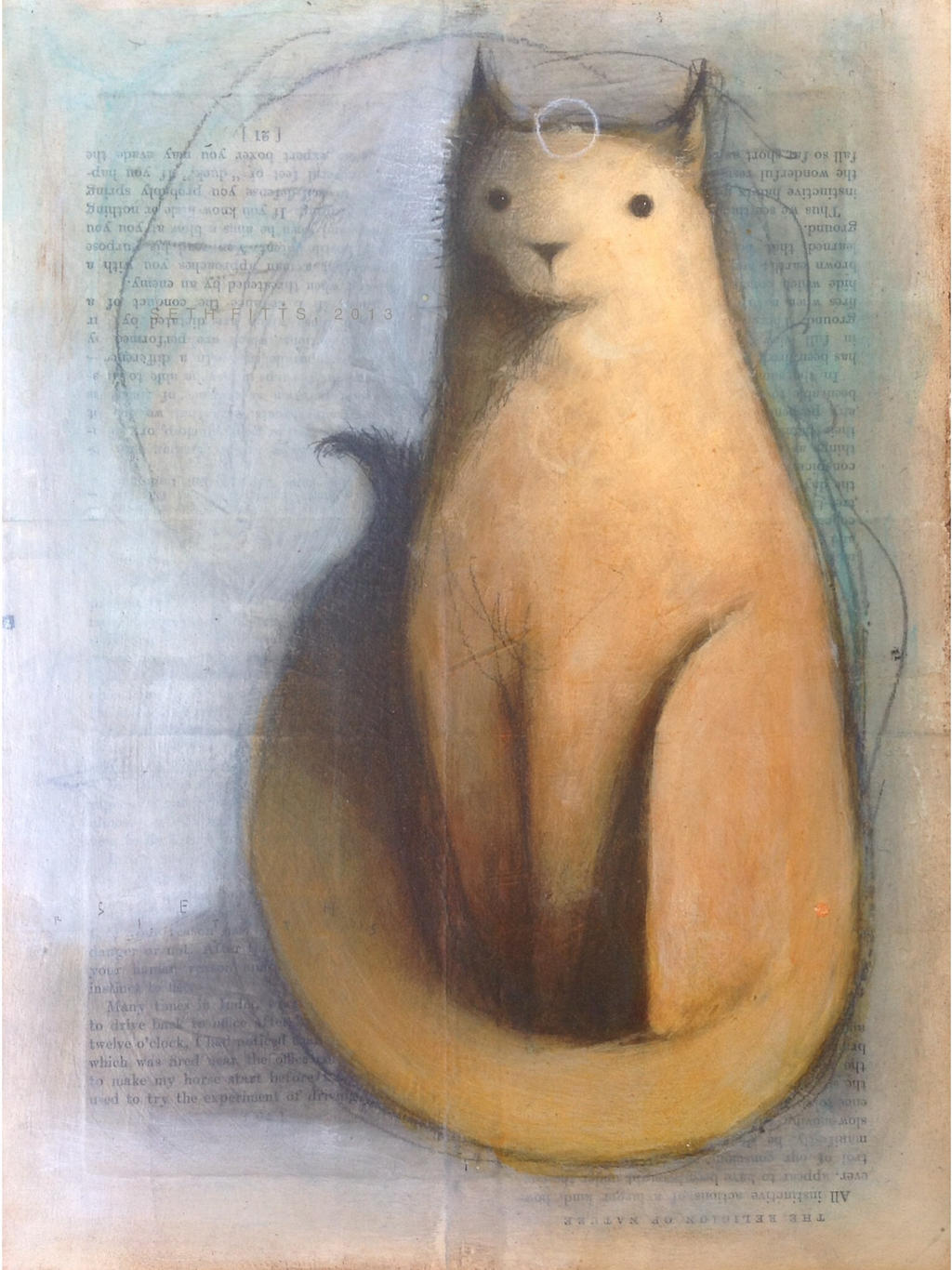
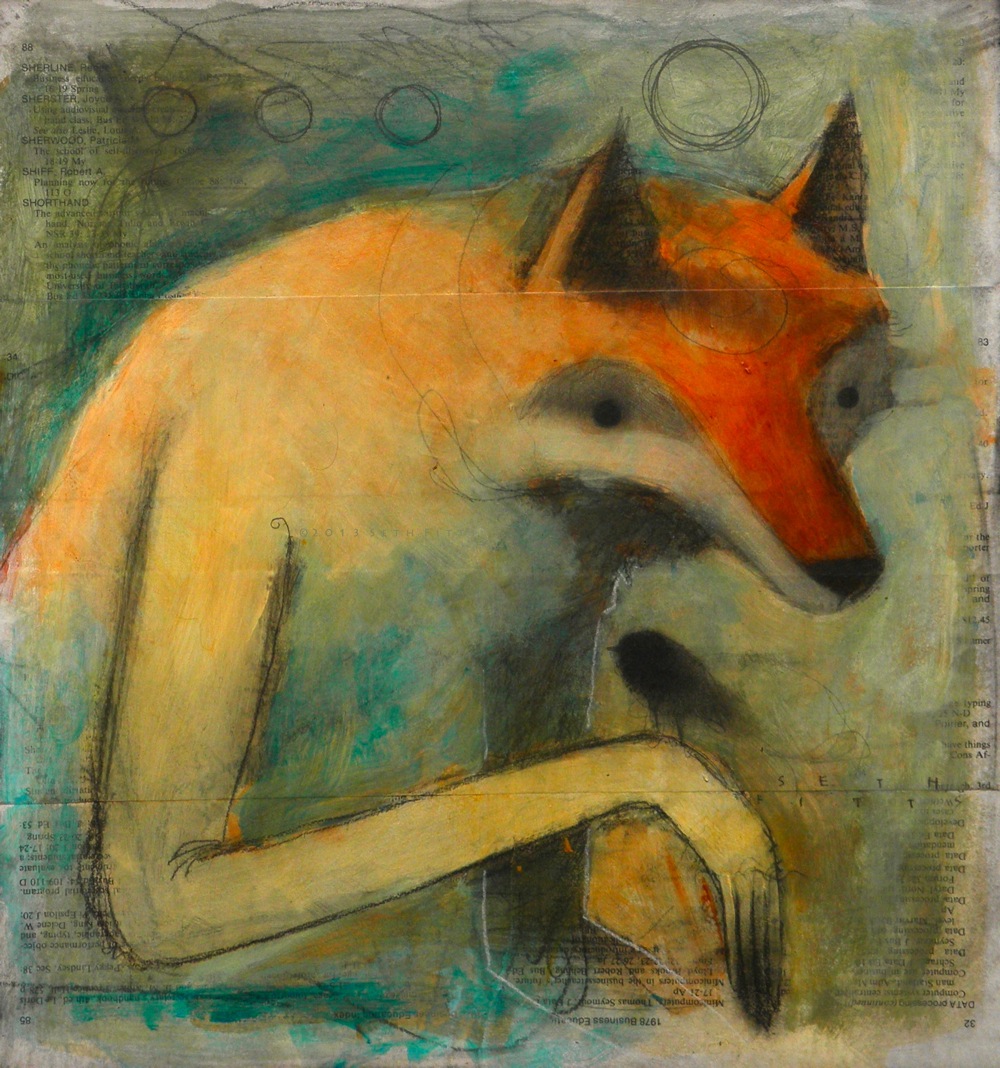
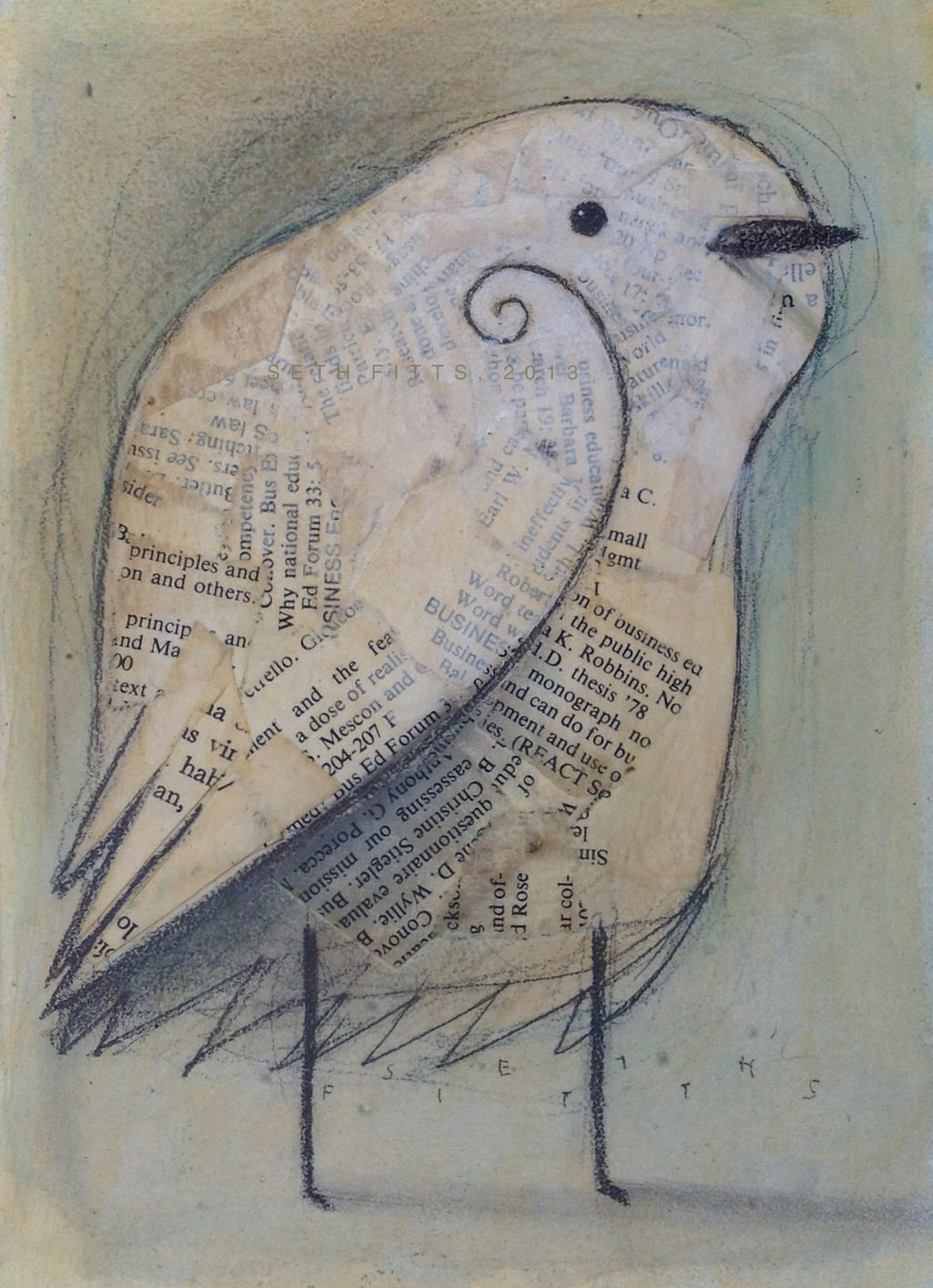
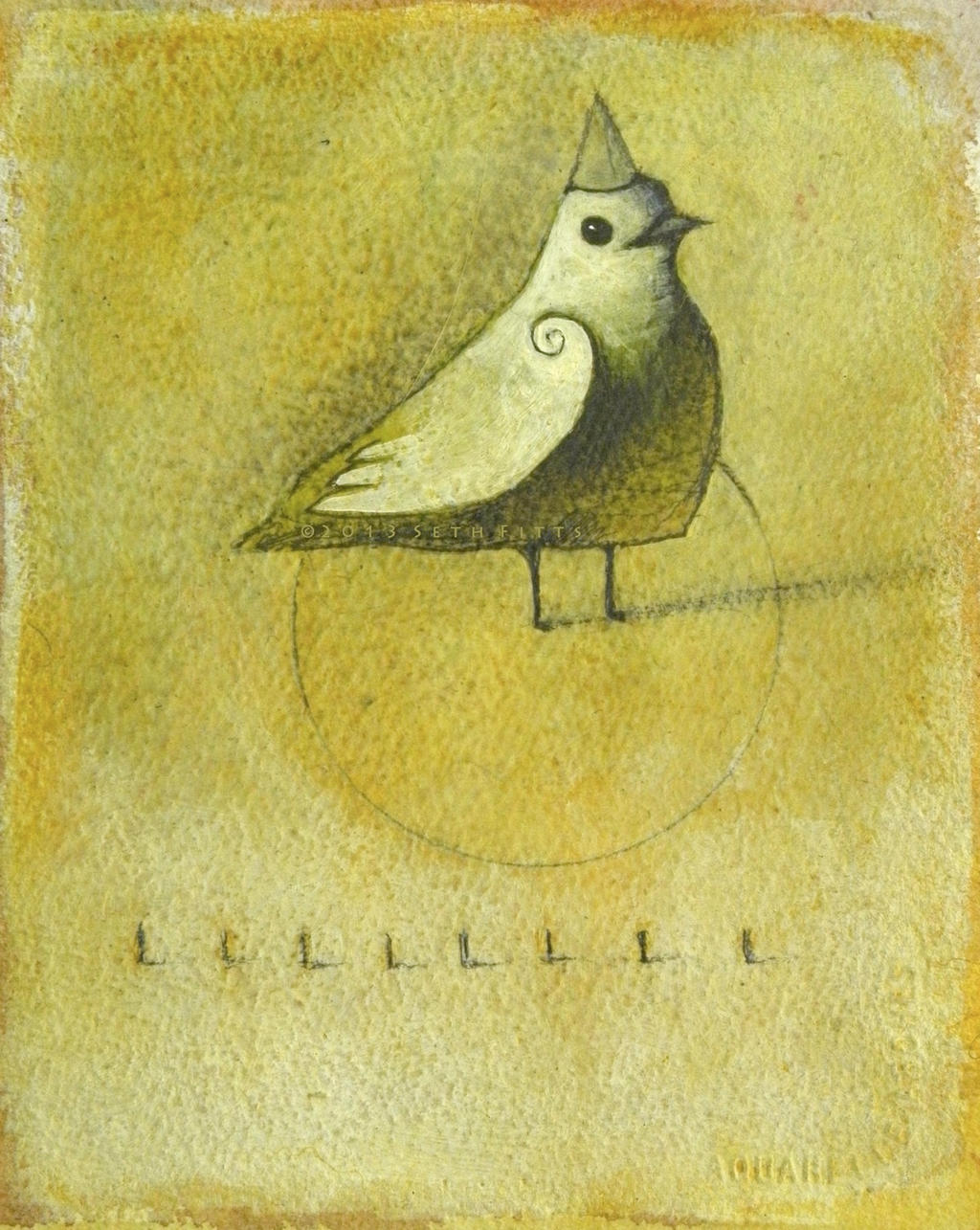
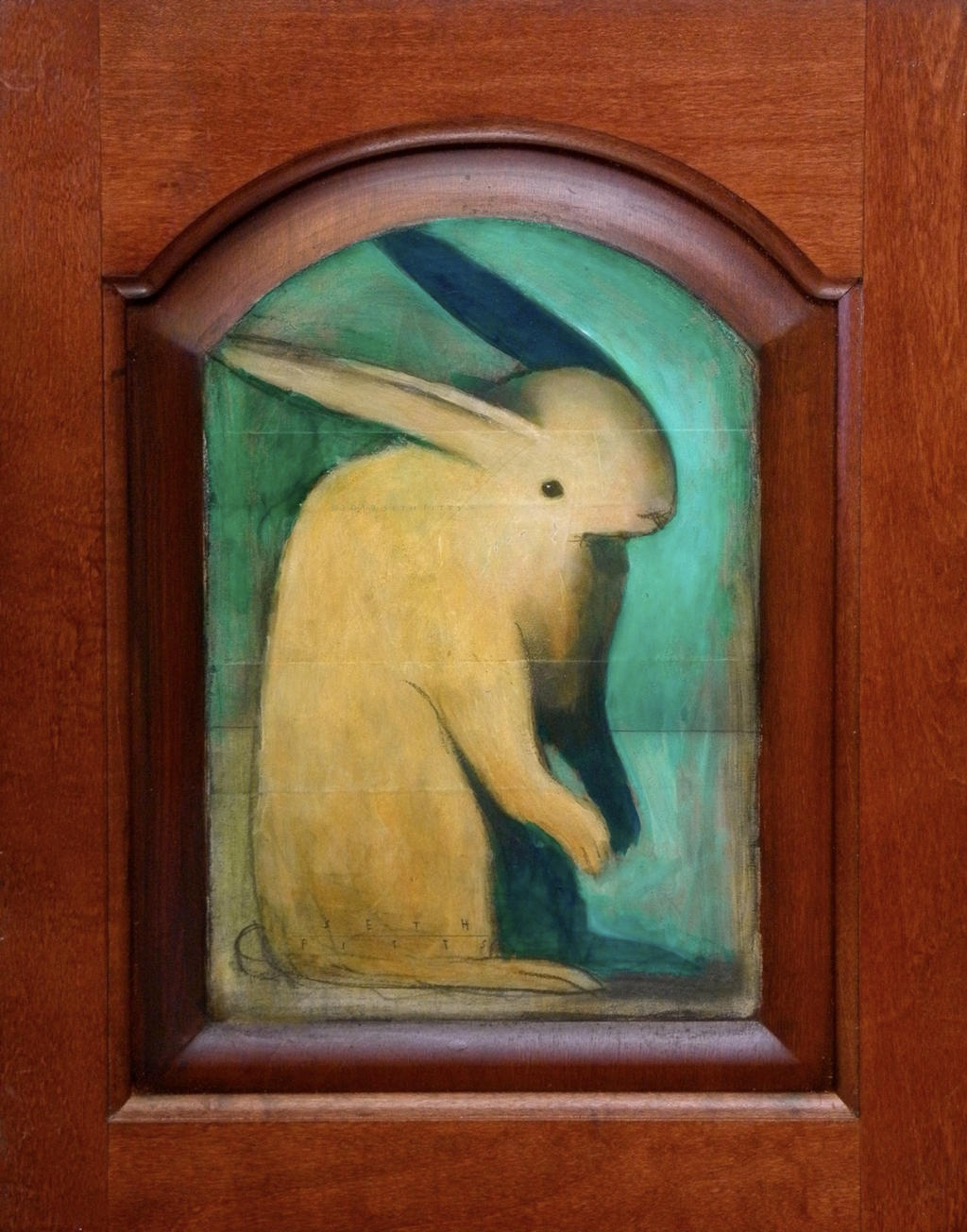
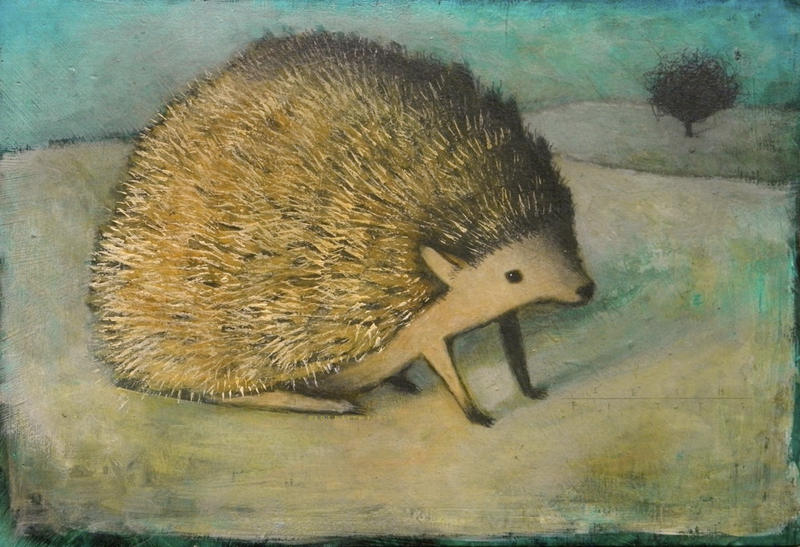
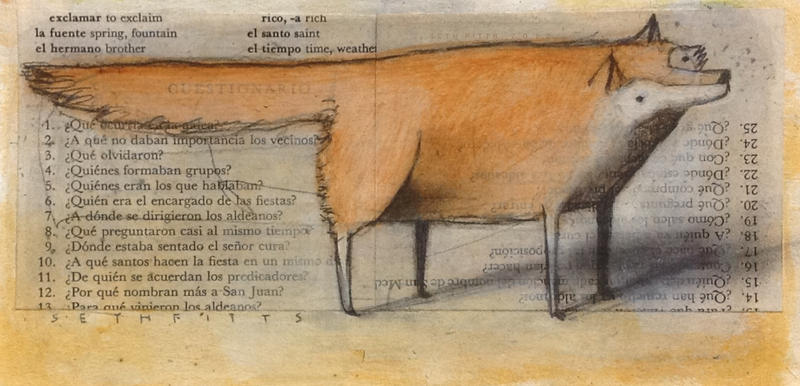
Seth Fitts is a traditional artist who uses a lot of reclaimed material for his works alongside paper and canvas. He is from southeast U.S. and in addition to his studio work he is currently working on a few children's books to be published in the future.


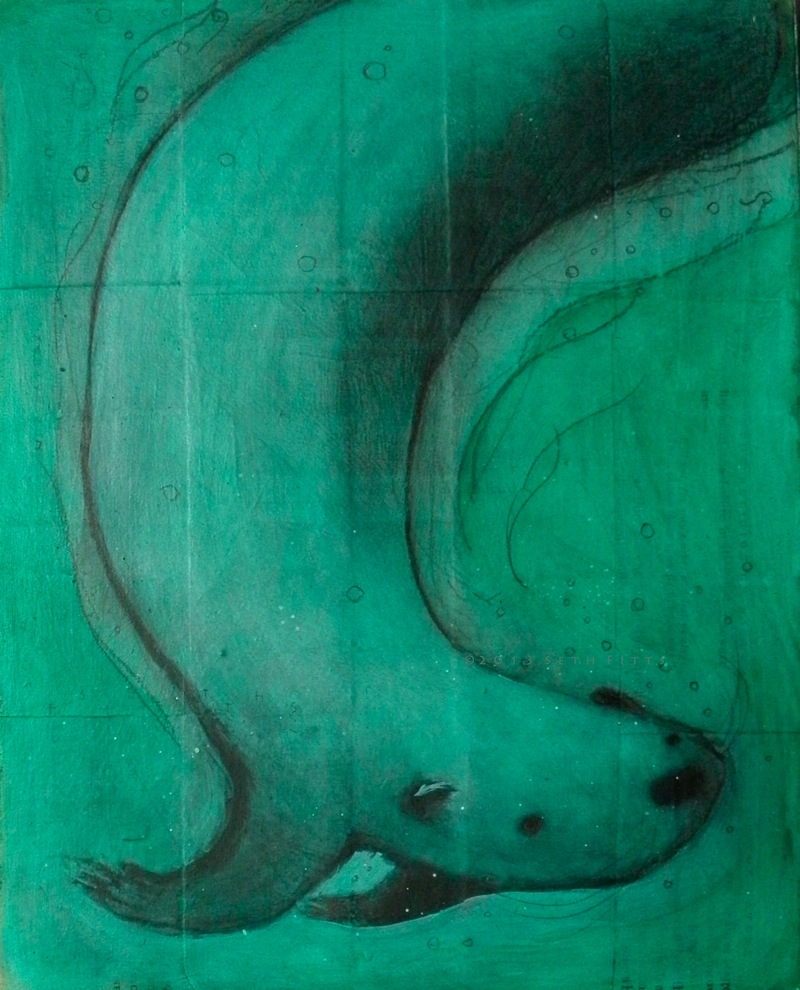
His work has a simple style but I think it's really effective, especially because of the reclaimed materials he works with and the textures he adds onto his works (like the printed paper).

I also think the colours and tonal values of his works really accentuate his style. The soft pastel colours and light contrasts match the cute-but-simple style of his work.


IMAGE CREDITS TO SETHFITTS.DEVIANTART.COM - IMAGES NOT OWNED BY ME - RESEARCH ONLY